
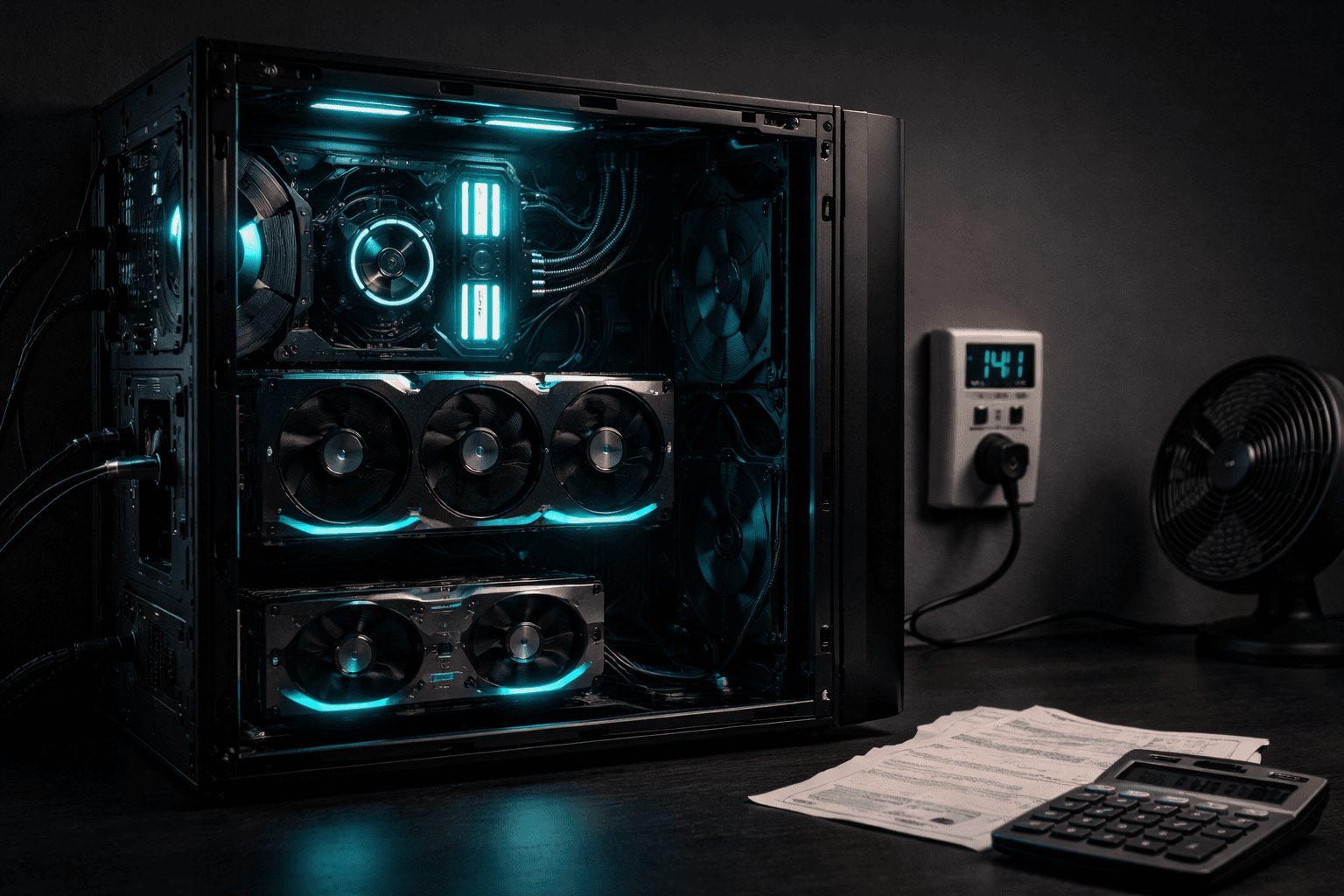
My Home GPU Server Runs AI for Free
We run two GPUs with 32GB of VRAM that handle hundreds of AI tasks per day — career sweeps, resume scoring, code analysis, transcription, image generation — at zero cost per query. Here's exactly what that looks like.
Last Tuesday at 6 AM, while nobody was awake, our GPU workstation scanned 40 GitHub repositories for AI tool changes. At 6:30, it scored three resumes against job descriptions. At 8:00, it compiled a morning briefing from everything it found overnight. By 9 AM, all of that was sitting on the main laptop, synced through git, ready to read.
The cost for all of that work: zero.
Not "basically zero." Not "a few cents." Zero dollars and zero cents. The electricity to run the machine is real — we'll get to that — but the AI processing itself costs nothing per query. No API key. No usage meter. No surprise bill at the end of the month.
We wrote previously about our three-machine AI setup and the overall architecture. This post goes deeper on the GPU workstation specifically — what it runs, how it runs, and the honest math on whether local AI is worth the trouble.
Why Run AI Locally at All
Cloud AI APIs are good. We use them daily — Claude handles our interactive research, writing, and decision-making. That's worth paying for. But cloud APIs charge per query. Anthropic, OpenAI, Google — they all meter by tokens processed.
For a consultancy running hundreds of AI tasks per day, those fractions of a cent add up. A single API call might cost $0.01 to $0.10 depending on the model and input size. Run 500 of those a day and you're looking at $5 to $50 daily. That's $150 to $1,500 per month just on batch work that doesn't require the best model available.
Local AI flips that equation. The hardware costs money once. After that, every query is free. The 500th query costs the same as the first — nothing.
There are other reasons too.
Privacy. Nothing leaves the building. Resumes, business data, competitive intelligence — it all stays on a machine we physically control. No terms of service to read. No data retention policy to worry about. The data goes in, the results come out, and nothing gets uploaded anywhere.
Speed for batch work. No network round trip. No rate limits. No "please retry in 30 seconds" messages. When the machine is processing a stack of documents at 3 AM, it just runs until it's done.
Availability. Cloud APIs go down. They have outages, maintenance windows, and capacity limits during peak hours. The GPU in the other room doesn't have peak hours. It's either on or it's off.
None of this means local AI replaces cloud AI. It means local AI handles the bulk work so that cloud AI can focus on the work that actually needs it.
The Hardware
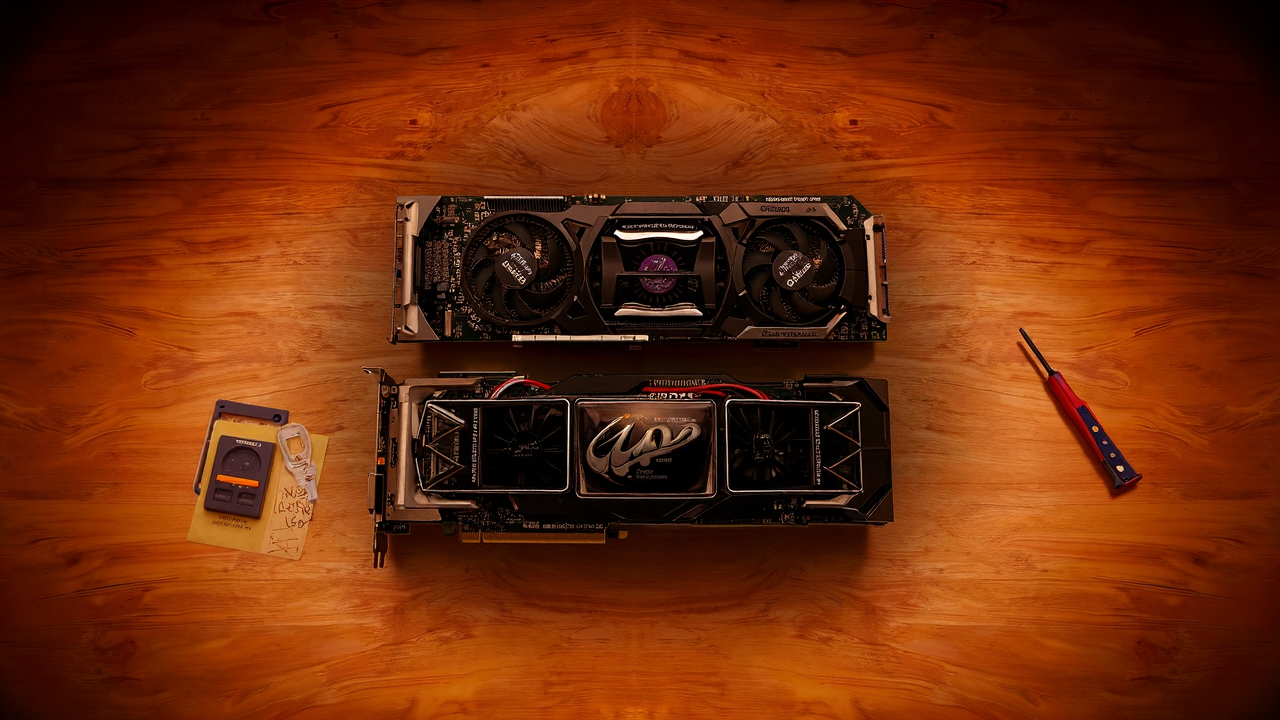
Two GPUs in one workstation:
- NVIDIA RTX 4000 SFF Ada — 20GB of VRAM
- NVIDIA RTX 4070 Super — 12GB of VRAM
Total: 32GB of video memory. That number is what matters. VRAM determines how large a model you can load and how fast it runs. More VRAM means bigger models, which means better results.
The rest of the machine is standard desktop hardware. Nothing exotic. The CPUs, RAM, and storage are adequate — not overkill. The GPUs are the whole point.
Before March, this machine had a single GPU and had to switch modes between tasks — transcription mode, language model mode, image generation mode. Only one could run at a time. Adding the second GPU changed that. Now Ollama runs on one card while ComfyUI runs on the other. No more juggling.
What Actually Runs on It
Six automated jobs run on a schedule, plus manual tasks when needed.
The Cron Jobs
Health monitor — every 5 minutes. Checks GPU temperature, memory usage, disk space, and process health. Logs everything. If something crashes at 2 AM, the log tells us what happened and when.
Career sweeper — Monday and Thursday at 6 AM. Scans target company career pages for new job postings matching specific criteria. Runs entirely on the local model — no API calls, no cloud service, just the GPU reading web pages and deciding if a posting is relevant.
Resume scorer — Monday and Thursday at 6:30 AM. Takes the postings the sweeper found and scores them against resume qualifications. Again, all local. The model reads the job description, reads the resume, and produces a match score with reasoning.
GitHub intel scanner — Tuesday at 5 AM. Checks a list of repositories for new releases, significant changes, and emerging tools. Produces a digest of what changed in the AI tool ecosystem since last week.
Morning briefing — daily at 8 AM. Reads outputs from all other jobs, checks the project registry for stale items, reviews the job search pipeline for pending follow-ups, and writes a morning report.
Git sync — every 30 minutes. Pulls changes from GitHub, stages only files in its permitted directories, commits, and pushes. This is how results get from the workstation to the laptop without anyone touching either machine.
The Manual Work
Video transcription — Whisper large-v3, currently the best open-source speech-to-text model. A 30-minute video transcribes in about 3 minutes. We've processed 24 transcripts so far — over 180,000 words of video content turned into searchable, analyzable text.
Image generation — ComfyUI with Flux models on the RTX 4070 Super. Blog post images, YouTube thumbnails, branding concepts. This is the most VRAM-hungry task — it needs the full 12GB of the card it's running on.
Batch analysis — When we need to process a large dataset through AI — like scoring 4,500 businesses for AI readiness — the local models handle the initial pass. Cloud AI only touches the subset that needs deeper analysis.
The Models
Two models cover most of what we need:
Qwen 3.5 9B — the daily driver. Fits comfortably on the 20GB card with room to spare. 128K token context window, which means it can read long documents without truncating them. Handles career sweeps, resume scoring, document summarization, and classification work. Response time is about 2.5 seconds per task.
Qwen 3.5 27B — quality mode. Uses both GPUs — 25GB of VRAM across both cards. 32K context window. This is the model for tasks where the output quality actually matters — detailed analysis, nuanced scoring, anything that gets read by a human rather than processed by another script.
The 9B model handles maybe 90% of the batch work. The 27B model comes out for the tasks where "good enough" isn't good enough.
The Cost Math
Here's where it gets concrete.
Cloud API cost for equivalent work: Our automated jobs run roughly 200-400 AI tasks per day. Using a mid-tier cloud model at $0.03 per average task, that's $6 to $12 per day. Call it $250 per month.
Local cost for the same work: $0 in API fees. The electricity to run the workstation under GPU load is roughly $8 to $12 per month, depending on how many hours the GPUs are active. The machine sleeps when there's nothing queued.
Net savings: roughly $240/month. That's about $2,900 per year in API costs we don't pay.
The hardware cost roughly $1,500 for both GPUs — the rest of the machine already existed. At $240/month in savings, the GPUs paid for themselves in about six months.
That math only works because we have consistent, high-volume batch work. If you run 10 AI tasks a day, cloud APIs are cheaper. The break-even point is somewhere around 100-150 tasks per day, depending on which cloud models you'd otherwise use.
The Honest Downsides
This isn't all upside. Running your own GPU server has real costs that don't show up in the API bill.
WSL2 Is Fragile
The workstation runs Windows with WSL2 — a Linux environment running inside Windows. It works great until it doesn't. WSL2 has a known tendency to freeze under heavy GPU load, especially when multiple services compete for VRAM.
We've had sessions where the entire WSL2 environment locks up during image generation. Not a crash with an error message — a silent freeze that requires a full system reboot. We've mitigated this with memory caps and careful scheduling, but it still happens. We're seriously considering ditching WSL2 entirely and dual-booting into native Ubuntu, which would eliminate the virtualization overhead.
If you're building a local AI server, run Linux natively. Don't go through WSL2 if you can avoid it.
Maintenance Is Real
Cron jobs fail silently. Models need updating. GPU drivers occasionally break things. Disk space fills up with logs nobody reads. The git sync can get stuck if a merge conflict somehow sneaks in.
We spend maybe 2-3 hours per month on maintenance — checking logs, updating models, fixing whatever broke since last time. That's not a huge time investment, but it's not zero either. Cloud APIs don't need maintenance. You just call them.
Power Costs Are Not Zero
An idle workstation draws maybe 80 watts. Under full GPU load, it pulls 300-400 watts. If both GPUs are running hard for several hours a day, the electric bill notices.
Our actual power cost is $8-12 per month because the machine sleeps most of the time and only runs under load for a few hours. But if you're running models 24/7, the math changes. At 400 watts continuous, you're looking at around $40-50 per month in electricity alone, depending on your local rates.
Model Quality Has a Ceiling
A 9-billion parameter model running locally is not as capable as Claude or GPT-4. It's not close, honestly. For nuanced analysis, creative writing, complex reasoning, or anything where output quality is critical — cloud models are better. Meaningfully better.
Local AI is best at structured, repeatable tasks with clear inputs and outputs. "Read this job description, compare it to this resume, output a score from 1-10 with three bullet points." That kind of work. For anything that requires judgment, we still use cloud models and pay the API cost.

Who Should Do This
If you run a business that processes a high volume of repetitive AI tasks — document classification, data extraction, content screening, batch summarization — a local GPU server can cut your AI costs dramatically. The payback period is real and measurable.
If you run 10-20 AI tasks a day and they're mostly interactive conversations, don't bother. Cloud APIs are cheaper, more capable, and require zero maintenance. You'd spend more time fixing your server than you'd save on API calls.
The sweet spot is consistent batch volume with predictable task types. That's where local AI shines — not as a replacement for cloud intelligence, but as a workhorse that handles the grunt work so your cloud budget goes toward the tasks that actually need it.
What This Means for Your Business
The cost of running AI is dropping fast — but it's not dropping evenly. Cloud API prices are declining. Local hardware is getting more capable per dollar. The question isn't "cloud or local" — it's "which tasks belong where."
For Blue Octopus, the answer is clear. Batch work runs locally for free. Interactive intelligence runs in the cloud and is worth every cent. The GPU server handles the volume. Claude handles the thinking. Together, they cost less than either one alone would.
If you're spending more on AI than you think you should — or wondering whether local AI makes sense for your workload — let's talk through the math.
Blue Octopus Technology helps businesses work smarter with AI — without the complexity. See what we build.
Stay Connected
Get practical insights on using AI and automation to grow your business. No fluff.