
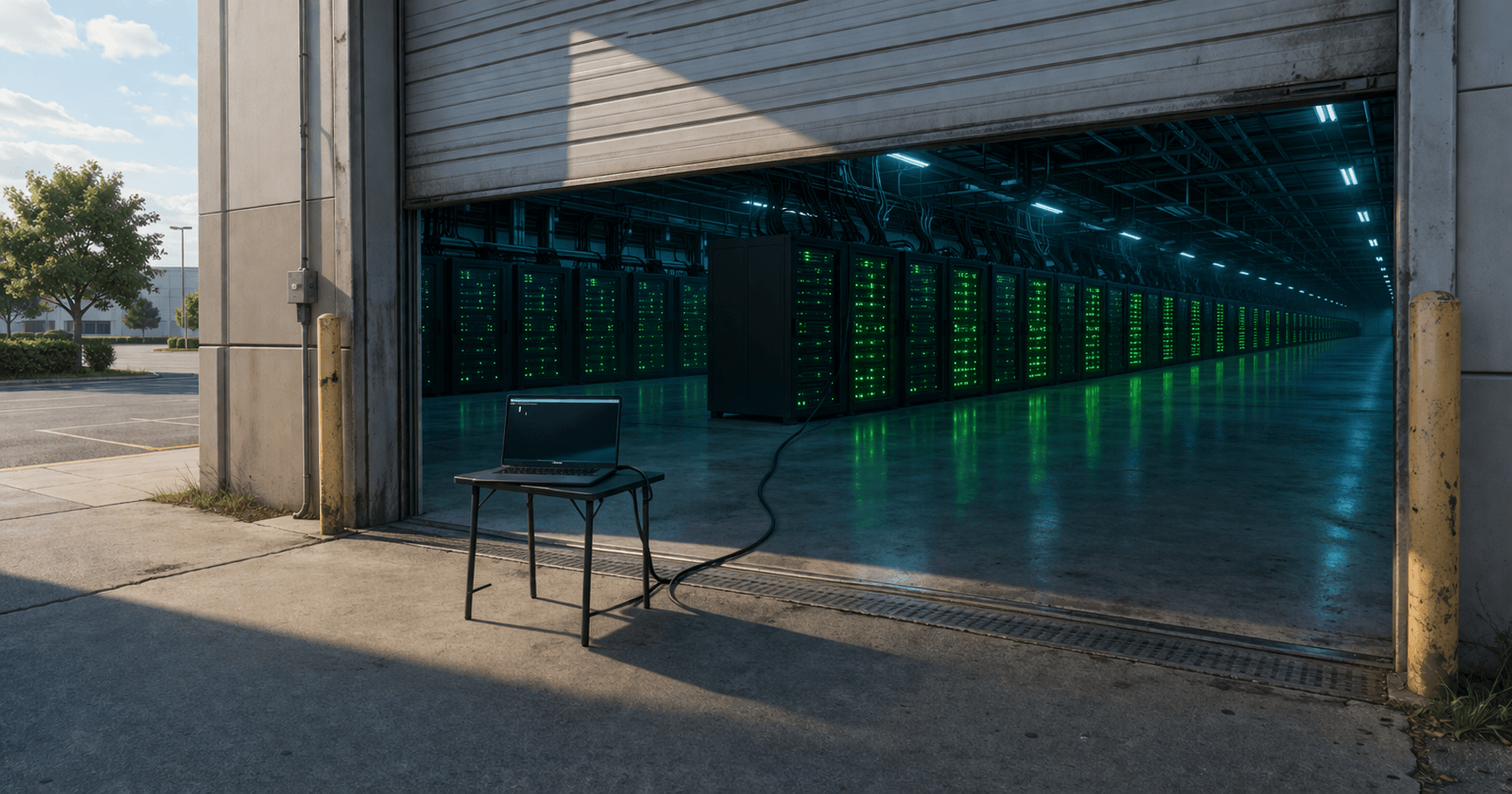
Google Opened Its GPU Servers to Every AI Agent
Google released an open-source MCP server for Colab, letting any compatible AI agent use Google's GPU hardware as a remote compute environment. Here's what that means for businesses running AI workloads.
Running AI workloads usually requires one of two things: expensive GPU hardware in your office, or a cloud subscription with a provider like AWS, Azure, or Google Cloud. Both options come with complexity — setup, configuration, monitoring, billing.
On March 19, Google released something that simplifies this: an open-source MCP server for Google Colab. In plain terms, it lets any compatible AI agent treat a Google Colab notebook as a remote workspace with access to Google's GPU hardware.
Your AI coding assistant, your automation tool, your data processing agent — any of them can now spin up a Colab environment through the same MCP protocol that powers most AI tool connections, run computationally heavy tasks on Google's GPUs, and get the results back. No manual setup. No separate login. The AI handles the connection itself.
What This Actually Does
Google Colab has been around for years. Researchers and developers use it to run Python code on Google's servers, including free-tier access to GPUs. It's been a popular way to experiment with AI models without buying hardware.
What's new is the MCP server — a standardized connection that lets AI agents interact with Colab programmatically. Instead of a human opening a browser, writing code in a notebook, and clicking "Run," an AI agent does all of that through an API.
This means tasks that require more computing power than your local machine can handle — training a model, processing a large dataset, running image generation — can be offloaded to Colab automatically. The agent sends the work, Colab runs it on a GPU, and the results come back.
Why GPUs Matter for Business AI
Most everyday AI tasks — chatbots, text generation, document summarization — run fine on regular hardware. But some tasks need GPUs:
Image and video processing. Generating product photos, creating marketing visuals, processing video content. These tasks are orders of magnitude faster on a GPU than a regular processor.
Data analysis at scale. Processing thousands of customer records, running predictive models, analyzing patterns in large datasets. GPUs handle parallel computations that would take hours on a CPU.
Custom AI model training. If your business needs an AI model fine-tuned on your specific data — your product catalog, your customer communications, your industry terminology — that training requires GPU power.
For small businesses, the GPU problem has traditionally been binary: buy expensive hardware or pay for cloud computing. We wrote about the DIY approach in My Home GPU Server Runs AI for Free — but not everyone wants to manage hardware. Google Colab's free tier offered a middle ground for humans. Now AI agents can use that same middle ground.
What It Looks Like in Practice
Say you run a real estate agency and want to generate property description videos from listing photos. Your AI agent could:
- Collect the listing photos from your system
- Send them to a Colab environment with GPU access
- Run an image-to-video model
- Return the finished videos to your file system
No human needs to open Colab. No developer needs to configure a GPU instance. The agent handles the compute automatically.
Or consider a consulting firm that needs to analyze a year's worth of client data for patterns. Instead of running the analysis overnight on a laptop, the AI agent sends the work to Colab, gets results in minutes, and presents the findings.
The Limitations
Before you get too excited, some caveats:
Colab's free tier has limits. GPU access is shared and time-limited. Heavy workloads may require Colab Pro ($10/month) or Pro+ ($50/month). For production use, you'll likely need a paid tier.
It requires MCP-compatible tools. Not every AI tool supports MCP connections. Claude Code, Gemini CLI, and several others do. Your specific tool may or may not.
Data privacy matters. Sending business data to Google's servers means Google's terms of service apply. For sensitive data — medical records, financial information, legal documents — you need to evaluate whether that's acceptable.
Reliability isn't guaranteed. Free-tier Colab sessions can be interrupted. Production workloads need a more stable compute environment.
The Bigger Picture
What Google did here is part of a broader trend: making computing resources accessible to AI agents, not just humans. When an AI agent can request GPU time the way a developer requests a cloud instance, the bottleneck shifts from "can we afford the hardware?" to "do we have the right workflow?"
For small businesses, this means GPU-intensive tasks — which used to require either capital investment or technical expertise — are getting closer to "set it up once and let it run."
The compute is becoming a utility. The question is no longer whether your business can access powerful hardware. It's whether your AI tools know how to use it.
Related: The Local-First AI Stack Is Here and The MCP Ecosystem Just Got Real.
Stay Connected
Get practical insights on using AI and automation to grow your business. No fluff.