
The Local-First AI Stack Is Here
A growing wave of open-source AI tools now run entirely on your own hardware — no cloud, no API bills, no data leaving the building. Here's what the local-first stack looks like in 2026 and why it matters for businesses that handle sensitive data.
Say you run a dental practice. Your front desk uses an AI assistant to summarize patient notes, draft follow-up emails, and answer common insurance questions. It works great. But every one of those requests sends patient data to a server you don't own, in a data center you've never seen, under a terms-of-service agreement your office manager clicked through without reading.
Now imagine the same AI running on a computer in your back office. Same tasks. Same quality. But the data never leaves the building. No API calls carrying patient records to an external server. No monthly bill that scales with usage. No outage when your internet drops during a storm.
That second option used to be science fiction. It isn't anymore.
What "Local-First" Actually Means
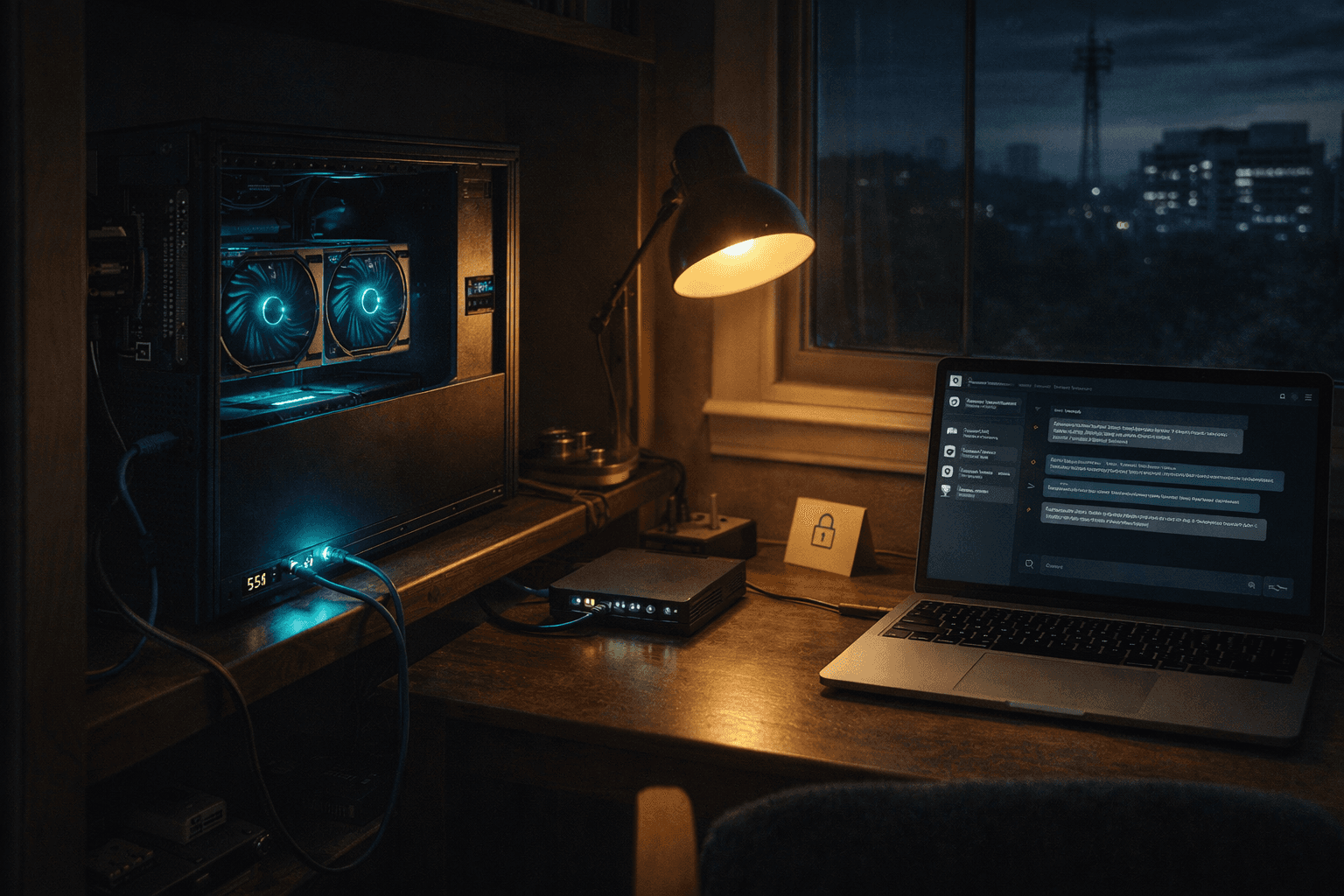
Local-first AI means the models, the data, and the processing all live on hardware you control. Your office. Your server room. Your closet with a GPU in it. The AI works without an internet connection, and no information leaves your network unless you choose to send it.
This is different from the way most businesses use AI today. Tools like ChatGPT, Claude, and Gemini run in the cloud. You send your data up, it gets processed on someone else's hardware, and the results come back down. That works well for a lot of use cases. But it creates real problems for businesses that handle sensitive information — legal firms, medical practices, financial advisors, government contractors.
Local-first doesn't mean anti-cloud. It means the default is local, and the cloud is optional.
The Tools That Made This Real
A year ago, running AI on your own hardware meant cobbling together research code, fighting with driver installations, and settling for models that could barely hold a conversation. That changed fast.
Ollama turned local AI from a weekend project into a one-line install. It runs open-source language models on your own machine — Mac, Windows, Linux — with the same kind of API that cloud providers offer. Install it, pull a model, start asking questions. No account. No API key. No usage tracking.
Meetily is an AI meeting assistant with over 10,000 stars on GitHub. It transcribes and summarizes your meetings entirely on your machine. No audio leaves your network. For a law firm that records client consultations, that's not a nice-to-have — it's a requirement.
Dyad is a local-first AI development environment that crossed 20,000 GitHub stars. Developers are building with AI tools that keep their code on their own hardware instead of sending it to a cloud service.
OpenMemory — over 3,500 stars — is a self-hosted memory layer for AI agents. Your AI assistant remembers past conversations, but that memory lives on your hardware, not in someone else's database.
These aren't research demos. They're production tools with large communities actively using them.
The Models Got Good Enough
The tools only matter if the AI models running on them are actually useful. A year ago, local models were noticeably worse than cloud options. The gap is closing.
Qwen 3.5 9B — a model with 9 billion parameters — now matches the quality of models three times its size from previous generations. It fits comfortably on a consumer GPU with 16GB of VRAM. We run it daily for routine tasks, and it handles them well.
For businesses, the practical meaning is this: a model that runs on a $500 graphics card can now write emails, summarize documents, answer questions about your data, and handle the kind of routine AI work that used to require a cloud API.
On the Apple side, researchers reverse-engineered the Apple Neural Engine for on-device AI training — achieving 6.6 TFLOPS per watt of efficiency. That means MacBooks and iPads may eventually train custom models without ever connecting to the internet. The hardware is already in people's pockets.
What We Actually Run
We don't write about this stuff theoretically. We've been running a local AI stack for months.
Our GPU workstation has two NVIDIA cards — an RTX 4000 SFF Ada with 20GB of VRAM and an RTX 4070 Super with 12GB — for a total of 32GB of video memory. It runs Ollama with Qwen 3.5 models: the 9B version for daily tasks and the 27B version when quality matters. Monthly cost for the AI processing: zero dollars.
The same machine runs ComfyUI with the Flux.1-dev model for image generation. We've generated over 62 images for blog posts and marketing — all locally, all free after the hardware purchase.
The workstation serves the entire local network. Our Mac connects to it over the LAN. Other devices can too. One machine, many users.
We wrote about this setup in detail in our posts on building a home GPU server and adding a second GPU.
The Honest Tradeoffs
This is the part where we tell you what the blog posts from AI companies won't.
Local models are not as capable as the best cloud models. For complex reasoning, nuanced writing, and tasks that require understanding long documents, Claude and GPT-4 class models are still meaningfully better. A 9-billion-parameter model running on a desktop GPU is impressive for what it is, but it's not a replacement for a model trained at massive scale with enormous compute.
Setup is not turnkey. We've dealt with WSL2 stability issues on our Windows workstation — you can only run Ollama or ComfyUI at one time, not both simultaneously, without risking freezes. Driver conflicts, memory management, and configuration are real. This is not "download an app and go."
Hardware costs money upfront. A capable GPU runs $400 to $1,200. Two GPUs and a workstation to hold them is a real investment. The math works out over time compared to API bills, but the check clears on day one, not spread across monthly invoices.
You're your own IT department. When something breaks, there's no support ticket to file. You troubleshoot it yourself or it stays broken.
None of these are dealbreakers. But they're real, and ignoring them would be dishonest.
Why Businesses Should Pay Attention
Despite those tradeoffs, the direction is clear. Local-first AI is going to matter more, not less, for three reasons.
Regulation is tightening. HIPAA, SOC 2, state privacy laws — the compliance landscape for handling data through third-party AI services is getting more complex every year. When the AI runs on your own hardware, the compliance story is simpler. The data never left your building. Full stop.
Costs are predictable. Cloud AI billing is usage-based. A slow month costs a little. A busy month costs a lot. Hardware is a one-time purchase. Whether you run 10 queries or 10,000, the cost is the same. For businesses that budget annually, that predictability matters.
It works offline. Internet goes down? Cloud AI is gone. Local AI keeps running. For a construction company in a rural area or a medical clinic that can't afford downtime, that reliability is the whole point.
Sensitive data stays sensitive. Client files, financial records, employee information, legal documents — some data shouldn't travel through external servers regardless of what the privacy policy says. Local-first makes that a non-issue.
The Hybrid Answer
The right approach for most businesses isn't all-local or all-cloud. It's both.
Use local AI for the routine work — summarizing documents, drafting emails, processing intake forms, generating images, handling repetitive tasks. This is the bulk of what most businesses need AI for, and local models handle it well.
Use cloud AI for the complex work — strategic analysis, long-form content, tasks that require the best available reasoning. Pay for quality where quality makes a measurable difference.
That split keeps costs low, keeps sensitive data local, and still gives you access to the best models when you need them. We run this exact hybrid ourselves — local Ollama for batch processing, cloud Claude for research and writing.
The Stack Is Real Now
Two years ago, "running AI on your own computer" meant a blurry image generator and a chatbot that forgot what you said three messages ago.
Today, there are open-source tools with tens of thousands of users that handle meetings, development, memory, and image generation — all without sending a byte to someone else's server. The models running on consumer hardware match what cloud providers offered eighteen months ago. And the gap keeps shrinking.
The tools exist. The models are capable enough. The hardware is affordable. The only question left is whether your business needs the privacy, the cost control, or the reliability enough to set it up.
For the dentist who doesn't want patient data leaving the building, the answer is pretty clear.
Stay Connected
Get practical insights on using AI and automation to grow your business. No fluff.