
Ollama vs llama.cpp: Which One Should You Actually Run?
The two free tools everyone points you to for running AI on your own hardware. One is easy; one gives you every knob. We run both — here's when to use which.
If you've decided to run AI on your own hardware instead of renting it from a data center — a smart move for sensitive data, recurring workloads, or just not wanting a per-question bill — you'll hit the same fork in the road we did. Two free tools, recommended in roughly equal measure, and not much honest guidance on which one is for you.
The two are Ollama and llama.cpp. At Blue Octopus Technology we run both, every day, on a graphics card in our office. Here's the split, from use rather than from a feature chart.
The short version
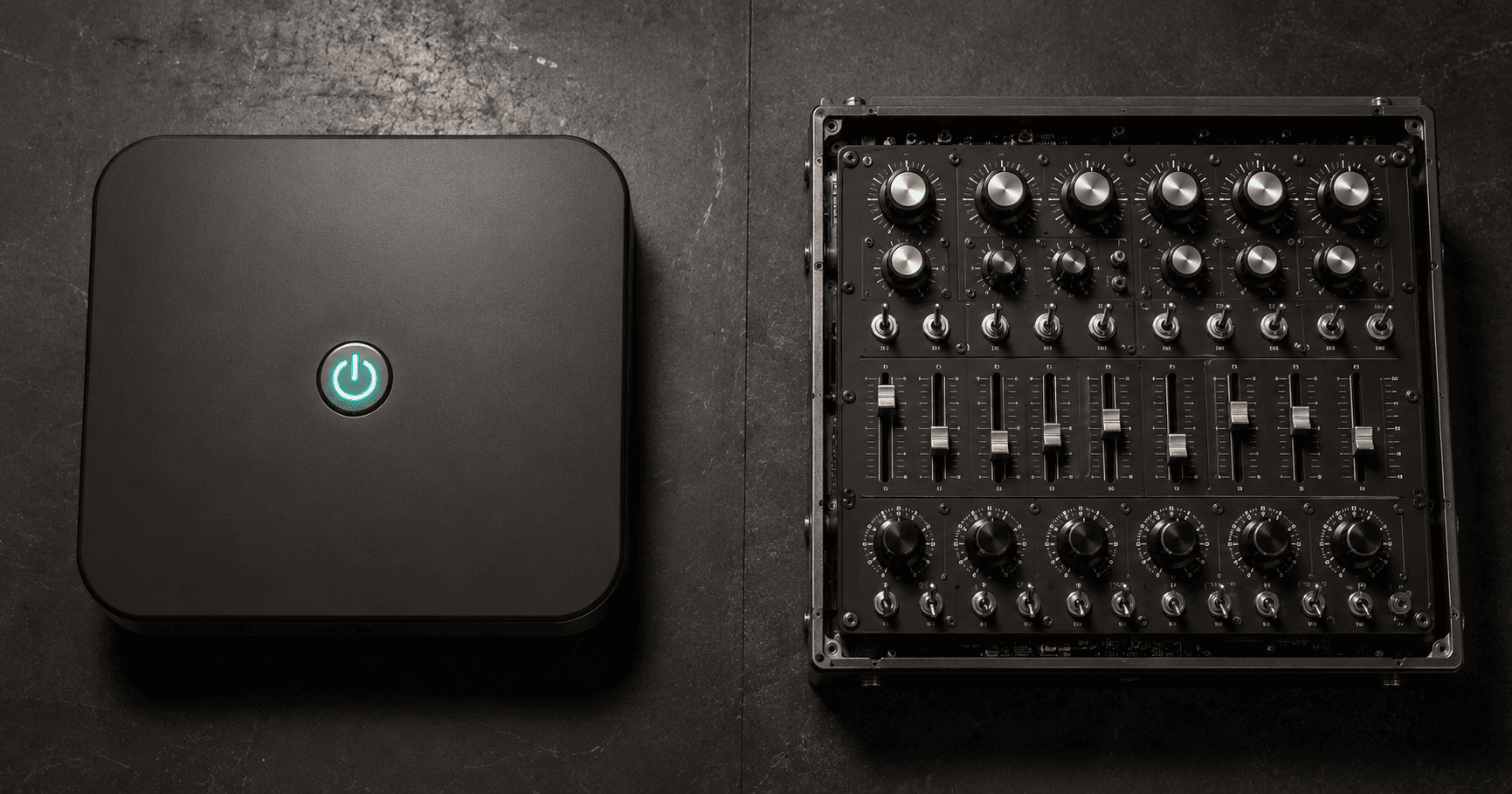
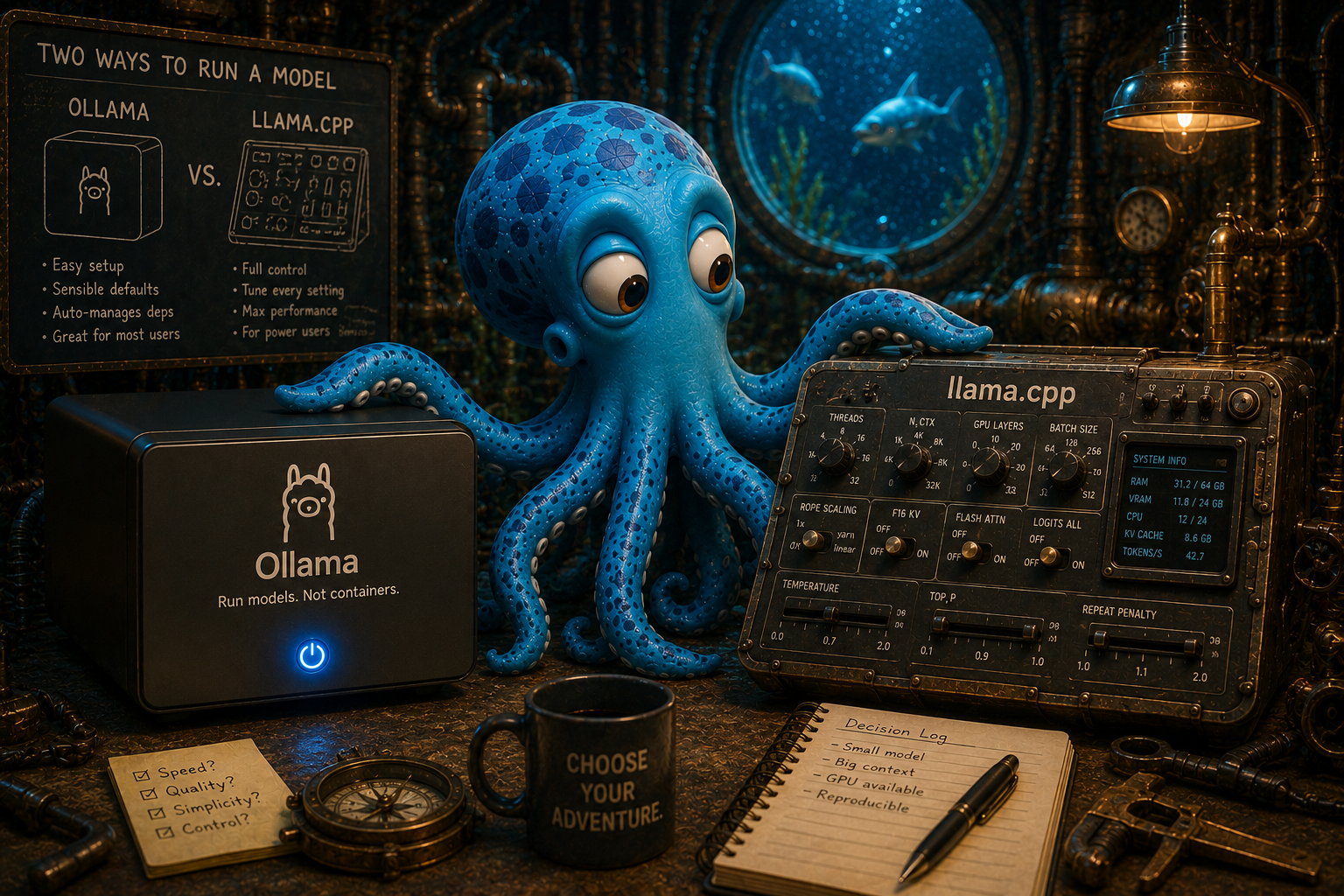
Ollama is the easy one. You type one command, it downloads the model, figures out your hardware, and starts answering. It makes decisions for you so you don't have to.
llama.cpp is the engine underneath — in fact it's a big part of what Ollama is built on. It gives you control over everything: which exact model file, every setting that shapes the output, the precise format the model expects. The cost of that control is that you have to manage it yourself.
The interesting part — the part nobody tells you — is that Ollama's greatest strength and its most annoying weakness are the same thing. It makes decisions for you. Usually that's a gift. Occasionally it makes a decision you didn't want, doesn't tell you, and you spend an afternoon figuring out why your AI is acting strange.
What Ollama is great at
For getting started, Ollama is genuinely excellent, and we don't say that lightly.
- One command and you're running.
ollama runa model name and it works. No file hunting, no configuration. - It handles the hardware. It detects your graphics card, loads as much of the model as fits, and spills the rest to regular memory without you thinking about it.
- A clean model library. Browse, pull, swap models like apps.
- It stays out of your way. For 90 percent of "I just want to ask a local model things," this is the right tool and the comparison ends here.
If you're evaluating whether local AI is even viable for your business, start with Ollama. You'll have an answer in an afternoon instead of a weekend. (Which model to run is a separate question.)
Where the convenience turns on you
Now the honest part, because this is where we've actually been burned.
Because Ollama makes decisions for you, some of those decisions are baked in where you can't easily see them — and a few of them have been wrong. The clearest example: there are settings on a model that are specifically meant to stop it from repeating itself or going off the rails. You can pass those settings in through Ollama's interface. For a stretch in 2026, on certain models, Ollama would accept those settings, say nothing, and then silently ignore them. You'd think you'd turned on the safety. You hadn't. The model would loop, and nothing would tell you the setting never applied.
We've hit our own version of this. One model we run would, under the wrong default, produce completely empty output. No error. No warning. Just nothing — because a single setting Ollama chose on our behalf didn't match what that model needed.
The failure mode of an easy tool isn't that it breaks loudly. It's that it makes a quiet decision you didn't know was being made.
None of this means Ollama is bad. It means an abstraction that hides the controls also hides the controls when you need them. The day you need to know exactly what settings reached the model, the easy tool is working against you.
What llama.cpp is great at
llama.cpp is what you reach for when you've outgrown "it just works" and need "I know exactly what it's doing."
- Every knob is yours. All the settings that shape output are exposed and actually applied. Nothing is silently dropped.
- You control the format the model expects. When a model misbehaves because the conversation is being fed to it slightly wrong, llama.cpp lets you fix that directly.
- You pick the exact model file. You choose the precise size and compression that fits your card, instead of accepting a default.
- It's the reference. When a fix for a model bug shows up, it's usually tested against llama.cpp first.
The price is real: more setup, more files to manage, more decisions you now own. It is not the tool you hand a curious business owner on day one. It's the tool you graduate to when the stakes go up.
How we actually use them
We don't pick one. We use each where it fits.
Ollama is our daily driver for everyday local work — but with a wrapper script in front of it that forces the sane settings every time, so the silent-default problem can't bite us twice. That's the practical middle path: keep the convenience, but stop trusting the defaults you can't see.
For anything we put in front of a client or run as a real service, we move to tools built for serving at that level — where control and predictability matter more than one-command convenience. That's where the knobs earn their keep.
The actual recommendation
If you're starting out: Ollama. Don't overthink it. Get a model running, find out whether local AI solves your problem, and enjoy the fact that it took ten minutes.
If you're running local AI on something that matters — and especially if it's misbehaving in ways that don't make sense — that's the signal to drop down a level. The looping, the empty output, the model that won't follow instructions: nine times out of ten that's the convenient tool making a quiet decision, not the model being dumb. llama.cpp, or a wrapper that forces honest settings, is how you take that decision back.
Easy is the right default. Control is the right answer when easy starts lying to you about what it's doing. Knowing which moment you're in is the whole skill.
Stay Connected
Get practical insights on using AI and automation to grow your business. No fluff.