
How I Actually Picked a Local AI Model (with Bench Data)
The benchmark charts that rank local AI models are useless for picking one. The four things we actually measured — and the setting that nearly disqualified the winner.
A note on timing: the specific models and numbers below are from a bench we ran in May 2026. The model names will be out of date within months — this field moves fast. The process won't. Read it for how to choose, not for which one to download today.
If you decide to run AI on your own hardware, you immediately hit a second problem: which model? There are dozens of free ones, new ones land weekly, and every one of them comes with a chart showing it beating the others.
Those charts are close to worthless for the decision you're actually making. Here's the process we run at Blue Octopus Technology instead, and what it told us.

Why the leaderboards don't help
The public benchmark charts measure how well a model answers trivia, solves puzzles, and passes academic tests. That tells you something — but it doesn't tell you whether the model is useful to you on your hardware for your work. A model can top the chart and still be too big to fit on your graphics card, too slow to be pleasant, or quietly broken under the settings your software ships with.
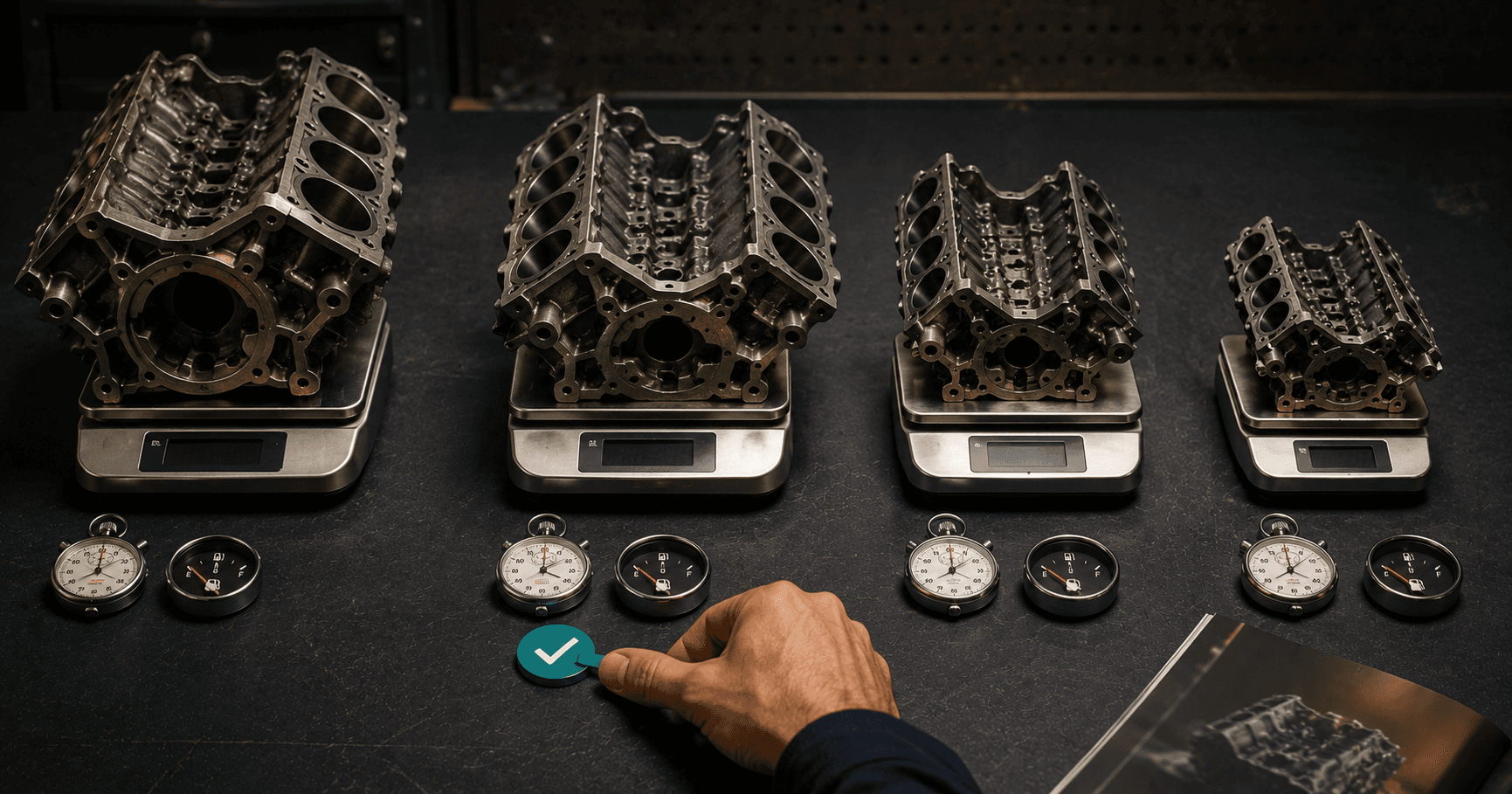
So we ignored the leaderboard and measured the four things that actually decide whether a model earns a place in daily work.
The four things we measured
1. Does it fit? Every model needs a certain amount of fast memory on the graphics card. Too big, and it either won't run or spills into slow memory and crawls. The first cut is brutal and simple: if it doesn't fit comfortably, it's out, no matter how good its chart looks. Some highly-ranked models were disqualified at this step on our hardware and never got measured further.
2. How fast is it, really? Speed is measured in how many words per second it produces. This is the difference between a tool you reach for and one you avoid. Our winning model produced output roughly six times faster than the model we'd been using as a baseline — and that speed gap matters more for daily use than a couple of points on a trivia test, because a fast "good enough" answer beats a slow "slightly better" one every time you're actually working.
3. Is the quality good enough for the job? Not "is it the smartest model in the world" — good enough for the specific work. For us that's coding help and processing documents. We ran our real tasks, not benchmark questions, and judged whether the output was something we'd actually use. A model that's 90 percent as sharp but three times faster usually wins the daily-driver slot, with a slower, sharper model kept on the bench for the hard problems.
4. Does it behave under our settings? This is the one everyone skips, and it nearly cost us the winner.
The setting that almost disqualified the right model
We had a strong candidate that, in early tests, sometimes produced nothing at all. No answer. Empty output. By the trivia chart it was excellent; on our box it looked broken.
It wasn't broken. Newer models do a hidden "thinking" step before answering, and they need to be told whether to do it and given room for it. Under one default setting, with no room to think, the model would start its hidden reasoning, run out of room, and emit nothing. The fix was a single instruction passed on every request telling it not to do the hidden step for quick tasks.
The lesson generalizes: a model that looks broken in testing is very often a settings problem, not a quality problem — and if you disqualify it on the spot, you throw away the best option for the wrong reason. We now treat "behaves correctly under our actual configuration" as a measured criterion, equal to speed and quality, not an afterthought.
What won, and how we run it
The result was a two-tier setup, which is the honest answer for most people:
- A daily driver — fast, fits easily, good enough for the bulk of work, configured with the settings that keep it sane. This handles almost everything.
- A quality tier — a larger, slower model kept ready for the harder jobs where the extra sharpness is worth the wait. It uses more of the hardware and we reach for it deliberately, not by default.
Most of the value comes from the daily driver. The quality tier is insurance, not the everyday tool.
The takeaway
If someone hands you a chart proving Model X is the best, the right response is: best at what, on what hardware, for whose work, configured how? The leaderboard answers none of those.
The process that does:
- Does it fit your hardware? (Disqualifier.)
- Is it fast enough to actually use?
- Is the quality good enough for your real work — tested on your real work?
- Does it behave correctly under the settings you'll run it with?
Run those four, on your machine, with your tasks, and you'll pick a better model in an afternoon than any leaderboard will pick for you. And you'll know why it won — which is the part that keeps you from getting talked out of it the next time a flashy chart comes along.
Stay Connected
Get practical insights on using AI and automation to grow your business. No fluff.