
AI for Construction and Trades: What Actually Works in 2026
A no-nonsense look at which AI tools actually help general contractors, electricians, plumbers, and other trades professionals — and which ones are still just hype.
Here is a pattern that plays out constantly in the trades. A general contractor's change order approval rate sits somewhere around 60%. That means four out of every ten change orders get pushback, delayed, or rejected outright. Not because the work is wrong. Because the documentation is weak. Vague descriptions. Missing justifications. Scope language that does not match the original contract closely enough.
Now suppose that contractor starts using ChatGPT to rewrite his change orders. Not to generate them from scratch — he knows the work better than any AI ever will. But to take rough notes from the job site and turn them into clear, professional documentation with proper justifications tied to specific contract clauses.
Approval rates in this scenario typically jump significantly. The contractor did not become better at the work. The contractor became a better communicator on paper. The AI handled the part that was hard so the part that was already strong could speak for itself.
That is the story of AI in construction and trades right now. It is not replacing anyone. It is not designing buildings. It is handling the paperwork, the communication, and the scheduling logistics that eat up hours every week — hours that should be spent on the actual work.
What AI Does Well for Construction and Trades
Let's be specific. Not everything with "AI" in the name is useful, and the trades have more than their share of vendors selling overpriced software with features nobody asked for. Here is what is actually working right now, today, for people who build things for a living.
Estimating and Bidding
Putting together a bid is one of the most time-consuming parts of running a trades business. You are calculating materials, labor hours, markup, contingencies, and trying to come out with a number that wins the job without losing your shirt.
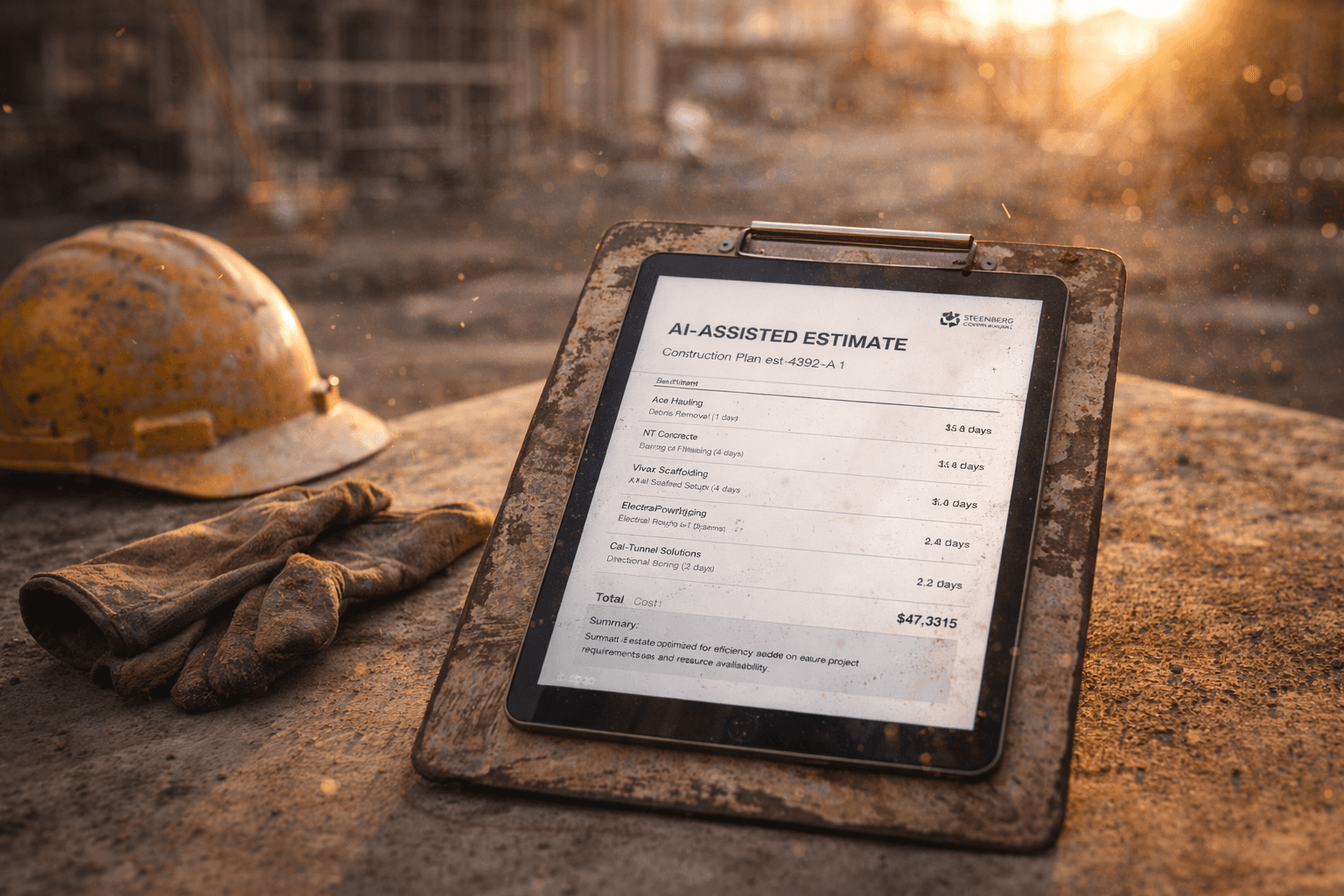
AI-enhanced estimating tools can cut the time on a standard residential bid from hours to minutes. They pull current material prices from supplier databases, calculate quantities from digital plans, and apply labor rates based on the scope of work. Some of them learn from your historical bids — if you consistently spend more hours on kitchen remodels than the software estimates, it adjusts.
The output is not a final bid. You still need to review it, sanity-check the numbers, and factor in the things only you know — like that the homeowner wants to change the tile three times or that the subcontractor you need is booked through April. But starting from a 90% accurate estimate instead of a blank spreadsheet is a real time saver.
For contractors bidding on five to ten jobs a month, this can recover a full day of office time every week. That is a day you could spend on a job site instead of behind a desk.
Project Documentation
This is where the contractor in the opening pattern saw the biggest impact, and it is probably the single best use of AI in the trades right now.
Construction generates an absurd amount of documentation. Daily logs. Change orders. RFIs (requests for information). Punch lists. Safety reports. Progress reports. Inspection notes. Most of it needs to be written clearly, formatted properly, and filed somewhere retrievable.
Most contractors hate this part. They got into the trades to build things, not to write reports. So the documentation ends up rushed, incomplete, or weeks behind.
AI tools — even something as simple as ChatGPT — can turn rough field notes into polished documents in seconds. Walk through the job site, dictate notes into your phone, and paste them into a chat window. Ask for a daily progress report formatted with sections for work completed, issues encountered, and next-day plan. The AI writes it. You review it in two minutes and send it.
The time savings matter, but the quality improvement might matter more. Better documentation means fewer disputes, faster payment, and a paper trail that protects you when things go sideways. Any contractor who has been in a disagreement over scope knows the value of clear records.
Client Communication
Every contractor has had the 5:00 PM text from a homeowner asking for a project update. Or the three voicemails from the property manager who wants to know when the crew will arrive. Or the email chain about a delayed permit that requires fifteen back-and-forth messages to resolve.
Client communication is important, but it is also one of the most interruptive parts of the job. Every text you stop to answer is time you are not working — and not answering creates its own problems.
AI can help in two ways. First, automated status updates. If your project management tool tracks job progress, an automation can send weekly update emails to clients without you typing a word. "This week: framing completed on second floor, electrical rough-in 80% complete, inspection scheduled for Thursday." The client feels informed. You did not stop working.
Second, AI-drafted responses. For the emails and texts that do need a personal reply, dictate a rough answer and let AI clean it up. This is especially useful for sensitive communications — delay notifications, cost increase explanations, warranty claims — where the tone matters as much as the content. We covered this kind of communication automation for home service businesses in detail, and much of it applies directly to construction.

Scheduling and Resource Allocation
Construction scheduling has more variables than almost any other industry. Weather, material deliveries, subcontractor availability, permit timelines, inspection schedules, crew skillsets, equipment logistics. A change in any one of these can cascade through your entire project timeline.
AI scheduling tools are getting better at handling this complexity. They can factor in weather forecasts, track material lead times, and automatically adjust timelines when something slips. Some of them even model different scenarios — if the concrete pour gets pushed back three days, what does that do to the rest of the schedule?
This is still early-stage technology. The tools work best for commercial contractors with structured, repeatable project types. For a residential remodeler where every job is different, the setup cost may not justify the benefit yet.
But for scheduling crews across multiple active jobs — knowing which electrician is available next Tuesday, which jobs need a morning start for noise ordinance reasons, which sites have equipment that needs to be moved — even basic automation saves the daily scheduling headache. If you are still doing this with a whiteboard and phone calls, you are spending more time on logistics than you need to.
Safety Compliance Documentation
OSHA requires documentation. Job-site safety plans, toolbox talk records, incident reports, equipment inspection logs. For larger operations, this is a full-time job in itself.
AI cannot inspect your scaffolding. But it can generate safety documentation templates customized to your specific job type, pre-populate them with your company information and standard procedures, and help you create incident reports that are thorough enough to satisfy regulators without requiring a technical writer.
Some contractors are using AI to analyze their safety records for patterns — which job types produce the most incidents, which times of day, which subcontractors. That kind of analysis used to require a safety consultant. Now it requires a spreadsheet and a prompt.
What AI Does Not Do Well (Yet)
Here is where we are honest, because the AI vendors will not be.
AI-Generated Blueprints and Design
No. Not for anything you would actually build. AI can generate impressive-looking architectural renderings and floor plan concepts, but it does not understand building codes, structural loads, soil conditions, or the thousand other variables that a licensed architect or engineer accounts for.
AI-generated design is useful for concept visualization — showing a homeowner rough options before engaging an architect. It is not useful for construction documents. Do not let anyone tell you otherwise.
Fully Autonomous Job Scheduling
We mentioned AI scheduling above, and it can help. But a tool that automatically reschedules your entire week because the weather forecast changed? That is a recipe for chaos. Construction scheduling has too many soft constraints — relationships with subcontractors, client preferences, equipment sharing agreements, local ordinances — that no AI model currently understands.
The best approach is AI-assisted scheduling, where the tool suggests options and you make the call. Fully autonomous scheduling is a decade away from being trustworthy for real construction projects.
Replacing Experienced Project Managers
This should go without saying, but it needs to be said because some vendors imply it. AI is not going to replace the person who walks a job site and spots the problem before it becomes a problem. The experienced PM who knows that a particular framing crew works fast but sloppy, or that the inspector at the county office needs everything submitted by 2:00 PM on Thursdays, or that the client's architect does not respond to emails on Fridays.
That knowledge is invaluable. AI does not have it.
What AI can do is give that PM their evenings back by handling the documentation, reporting, and communication that currently follows them home every night.
Where to Start
If you are in the trades and this sounds useful but overwhelming, here is the simple version.
Start with documentation. A ChatGPT subscription is around $20 a month. Use it to clean up your daily logs, change orders, and client emails. You will see the value within a week. No software to install, no system to learn, no consultant to hire.
Then add one automation. Maybe it is automatic appointment confirmations. Maybe it is a daily job summary email to your clients. Maybe it is an invoice that generates and sends itself when a job is marked complete. Pick the one thing that bugs you most and automate it.
Then evaluate whether you need specialized tools. Estimating software, scheduling platforms, project management systems — there are good options at every price point. But do not buy the $500/month platform before you have tried the $20/month approach. You might be surprised how far simple tools take you.
The trades are one of the last industries where AI adoption is not just useful but genuinely transformative for day-to-day operations. Not because the work itself changes — the skill of the electrician, the eye of the finish carpenter, the instinct of the experienced GC — none of that is going anywhere. What changes is how much time those skilled people spend on the work they are actually good at versus the paperwork that surrounds it.
The contractor in the opening pattern did not buy a platform. They did not hire a consultant. They spent $20 a month on a chat tool and changed how they wrote their paperwork.
That is where you start.
Blue Octopus Technology works with trades businesses and contractors to identify where AI and automation can save time without adding complexity. If you are spending more time on paperwork than on the job site, let's talk.
Stay Connected
Get practical insights on using AI and automation to grow your business. No fluff.