
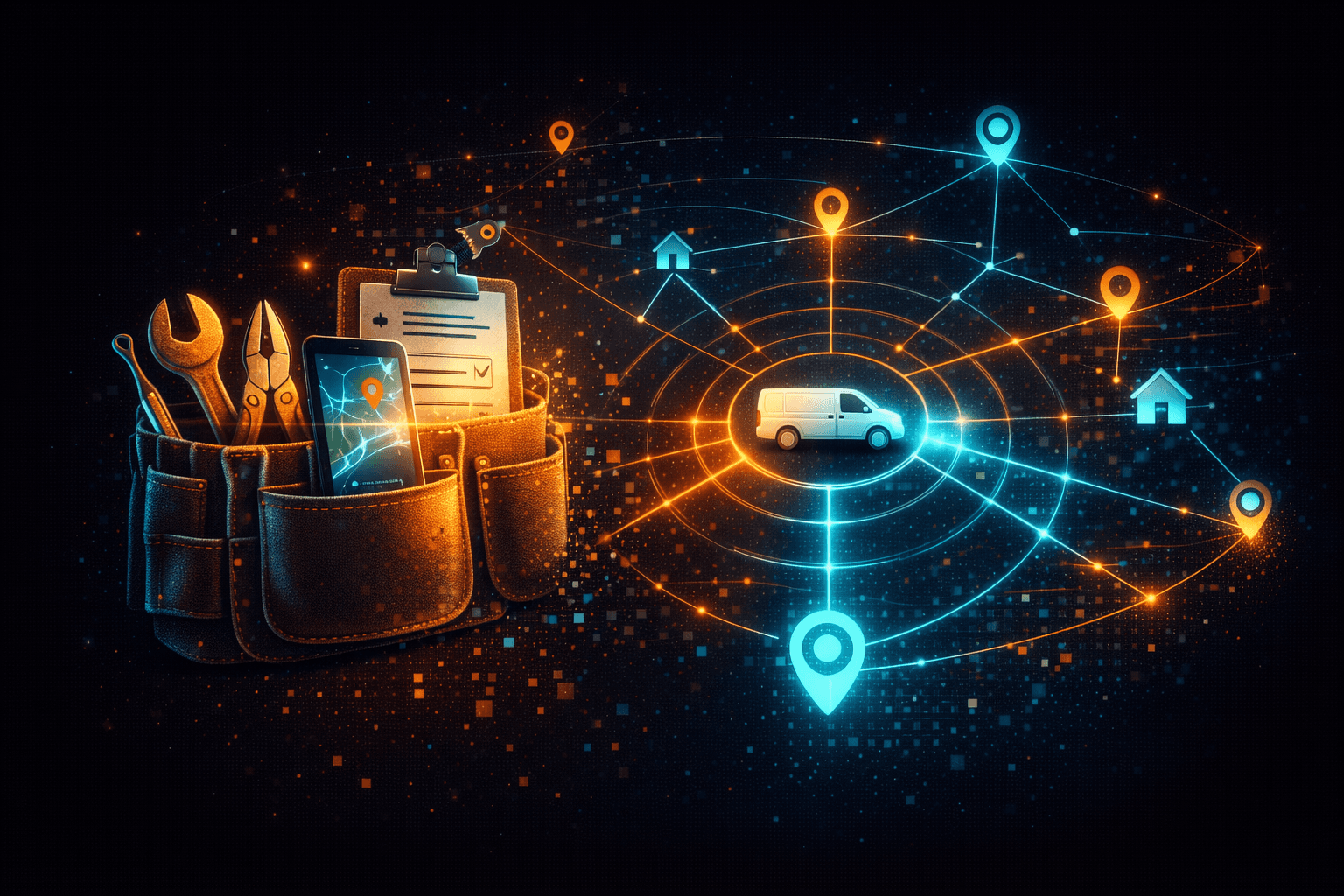
AI Tools for Home Service Contractors
HVAC, plumbing, electrical, landscaping — if you're running a home service business, AI can help you schedule smarter, communicate faster, and get paid sooner.
You didn't get into the trades to sit behind a desk answering phone calls. You got into it because you're good at what you do -- fixing things, building things, keeping people comfortable in their homes. But somewhere along the way, the business side started eating your days alive.
Sound familiar? Your phone buzzes all morning with scheduling questions. Your crews call the office three times before lunch to ask where they're going next. Invoices sit in a pile until the weekend because nobody has time to send them during the week. And that customer who left a voicemail about an ETA? Your dispatcher is still trying to track down the answer.
This is the reality for most home service businesses -- HVAC, plumbing, electrical, landscaping, cleaning, you name it. The work itself is solid, but the operations are held together with phone calls, text messages, and sticky notes. It works, until it doesn't. And it usually stops working right around the time your business starts growing.
AI and automation tools can fix a lot of this. Not by replacing your team, but by handling the repetitive stuff that slows everyone down. If you want the broad overview first, our practical guide to AI for small business covers the fundamentals. Here's what that actually looks like for a home service business.
Scheduling and Dispatch That Doesn't Require a Phone Tree
The scheduling problem in home services is unique. You're not booking conference rooms -- you're coordinating crews, equipment, drive times, and customer availability across a geography that might span an entire metro area. Most contractors start with a whiteboard or a shared calendar, then graduate to spreadsheets, then hit a wall when the business outgrows those tools.
An AI-powered scheduling system changes the game. Your office staff assigns jobs through a central dashboard, and your crews see their daily routes, job details, and customer info on their phones. When a job runs long or a customer reschedules, the system adjusts routes and notifies everyone who needs to know. No more calling the office to find out what's next.
The real win here is route optimization. AI can factor in drive times, job durations, and crew skills to build routes that minimize windshield time and maximize billable hours. For a company running five trucks, even shaving twenty minutes of drive time per truck per day adds up to hours of recovered productivity every week.
What this looks like day-to-day
- Office assigns a job and the crew gets a notification with the address, scope of work, customer contact info, and any notes from previous visits
- GPS-based routing gives crews the fastest path between jobs
- If a job gets canceled or rescheduled, the system fills the gap or adjusts the route automatically
- Dispatchers see every crew's status in real time -- who's on-site, who's en route, who's available for an emergency call
Customer Communication Without the Busywork
Here's a frustration every home service business knows: a customer books a service call, then calls back twice to ask when the tech is arriving. Your dispatcher has to call the tech, get an update, call the customer back. Multiply that by ten or fifteen calls a day and your dispatcher isn't dispatching anymore -- they're just answering the phone.
Automated customer communication handles the most common interactions without anyone picking up the phone.
Appointment confirmations go out the moment a job is booked -- via text, email, or both. The customer knows you've got them on the schedule without calling to double-check.
On-the-way notifications fire automatically when your crew marks themselves en route. The customer gets a text with an estimated arrival time. No more "where's my technician?" calls.
Post-service follow-ups go out after the job is complete. A thank-you message, maybe a quick satisfaction check, and a link to leave a review on Google or wherever matters most for your business.
Review collection is the piece most contractors never get around to. It's not because they don't want reviews -- it's because sending individual requests is tedious and easy to forget. When the system sends the request automatically while the customer is still happy about the work you just did, you get more reviews with zero effort.
This kind of automation doesn't feel robotic to the customer. It feels like you're organized, professional, and on top of things. Which you are -- you just didn't have to do it manually.
Mobile Job Completion and On-Site Invoicing
If you're still sending invoices days after a job is done, you're leaving money on the table. Not because customers won't pay -- most will -- but because every day between service and invoice is a day the customer isn't thinking about you, and a day your cash flow is delayed.
Mobile job completion tools let your crews close out jobs from their phones the moment the work is done. Here's what that workflow looks like:
- Tech finishes the job and opens the app on their phone
- They mark the job complete, add any notes, and snap photos of the finished work
- The customer signs on the screen to confirm the work was done
- An invoice is generated and sent to the customer immediately -- by email, text, or both
- The customer can pay right there with a credit card, or they get a link to pay online later
Photos and signatures also protect you. If a customer disputes a charge or claims the work wasn't done, you've got documentation with timestamps. That alone is worth the cost of the tool.
For crews doing three to five jobs a day, this kind of system can cut your average time-to-payment from a week down to same-day. That's real money when you're trying to keep cash flowing.

An Operations Dashboard That Tells You How the Business Is Running
Most home service business owners know how their business is doing based on gut feeling. Are we busy? Do the trucks seem full? Did we make payroll this month? That works when you're running two or three crews, but it stops being reliable as you grow.
An operations dashboard gives you a single screen with the numbers that matter:
- Active jobs -- what's happening right now, who's on-site, who's en route
- Crew locations -- real-time map showing where everyone is (helpful for dispatching emergency calls to the closest available crew)
- Revenue tracking -- daily, weekly, and monthly revenue with comparisons to prior periods
- Customer satisfaction -- aggregated feedback scores and recent reviews so you can spot service issues before they become patterns
You don't need to be a data person to get value out of a dashboard. The point isn't analysis -- it's visibility. You should be able to glance at your phone and know whether today is going well or whether something needs your attention.
AI-Powered Lead Generation and Outreach
Getting new customers is expensive. Yard signs, truck wraps, Google ads, door hangers -- it all adds up, and most of it is a guessing game. AI can make your outreach smarter by helping you identify and reach the right homeowners.
AI-driven lead generation tools can analyze patterns like housing age, seasonal demand, and neighborhood activity to identify homeowners who are likely to need your services. For an HVAC company, that might mean targeting neighborhoods with homes built in the early 2000s whose original systems are approaching the end of their lifespan. For a landscaping company, it might mean reaching out to new homeowners in the weeks after they close on a property.
The outreach itself can be personalized at scale. Instead of sending the same generic mailer to every address in a zip code, AI can help you craft messages that speak to the specific situation -- a seasonal tune-up offer for systems of a certain age, a first-time-homeowner discount for recent closings, a reminder for customers who haven't booked their annual service.
This isn't about spamming people. It's about reaching the right people with a relevant message at the right time — the same principle behind AI outreach that doesn't feel spammy. Done well, it makes your marketing budget go further because you're not wasting money on people who don't need what you offer.
Where to Start
If you're reading this and thinking "my business needs all of this," take a breath. You don't have to do everything at once, and trying to will overwhelm your team.
Start with the pain point that costs you the most time or money right now. For most home service businesses, that's one of two things:
If you're losing track of schedules and jobs, start with a scheduling and dispatch system. Getting your crews organized and informed is the foundation everything else builds on.
If you're slow to invoice and collect payment, start with mobile job completion and on-site invoicing. The cash flow improvement pays for the tool almost immediately.
Once you've got the basics running smoothly, layer on customer communication automation and the operations dashboard. Each piece makes the others more valuable. Our workflow automation guide explains how to connect these pieces into a system that runs itself.
The Bottom Line
Running a home service business is hard enough without fighting your own processes. The contractors who are growing right now aren't necessarily better at the trade -- they're better at the business side. And increasingly, that means using AI and automation to handle the things that used to eat up their days.
You don't need to become a tech company. You just need the right tools, set up in a way that actually fits how your business works. If you are wondering whether your operation has outgrown spreadsheets and manual tracking, here are the signs. That's the part that matters -- not the technology itself, but whether it solves a real problem for your specific operation.
See how we help home service businesses
We also offer custom software development for scheduling dashboards, client portals, and crew management tools, plus workflow automation to connect your dispatch, invoicing, and customer communication into one seamless system.
Blue Octopus Technology builds custom software for home service businesses -- scheduling, dispatch, customer communication, invoicing, and the dashboards that tie it all together. If you're ready to stop running your business on sticky notes, let's talk.
Stay Connected
Get practical insights on using AI and automation to grow your business. No fluff.